How to Download Instagram Photos in Full Quality
Does Instagram Compress Photos?
Yes. Instagram applies lossy compression when you upload a photo, and then serves a further optimised version to viewers. The image displayed in your feed is not the original file — but it is the highest-quality version that Instagram's servers make publicly available. A downloader like ReelHQ fetches exactly this version, which is significantly sharper than any screenshot.
How to Download Photos with ReelHQ
1. Open Instagram and navigate to the post containing the photo you want. 2. Tap the Share icon or three-dot menu (⋯) → Copy link. 3. Visit ReelHQ.app and paste the link. 4. ReelHQ fetches the highest-resolution version available for that post. 5. Click Download to save the JPEG file to your device.
Downloading Carousel (Multi-Photo) Posts
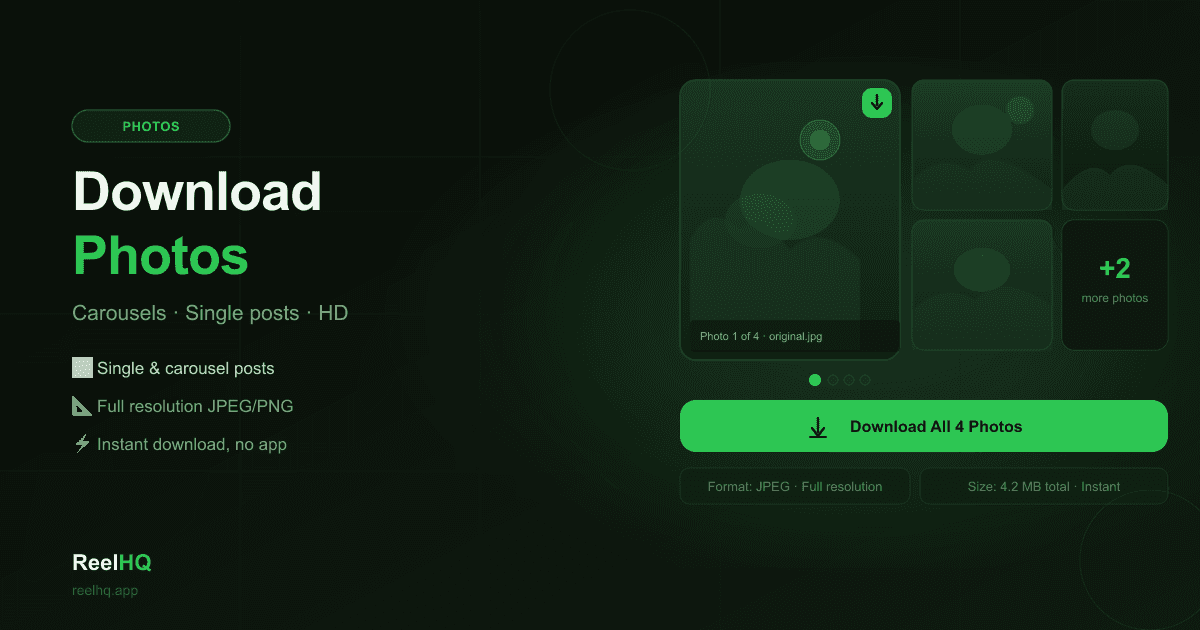
When a post contains multiple photos (a carousel), ReelHQ displays each photo individually so you can choose which ones to download. You can save all images from a carousel post or select only specific slides. Each photo downloads as a separate JPEG file.
Download vs Screenshot: What Is the Difference?
A screenshot captures whatever resolution your device screen renders — typically a scaled-down, compressed version. ReelHQ downloads the actual JPEG file from Instagram's CDN, which is noticeably sharper and suitable for printing or archiving. A 1080×1350 portrait photo downloaded via ReelHQ will be clearer than the same image captured by a screenshot on a standard phone.