How to Download Instagram Reels on Android (2026)
Why Instagram Does Not Let You Save Reels
Instagram removed the native save option for Reels from other users' accounts. The platform only allows you to save your own Reels or use the Remix feature. To download a video from another public account, you need a third-party tool like ReelHQ.
Download Reels on Android with ReelHQ
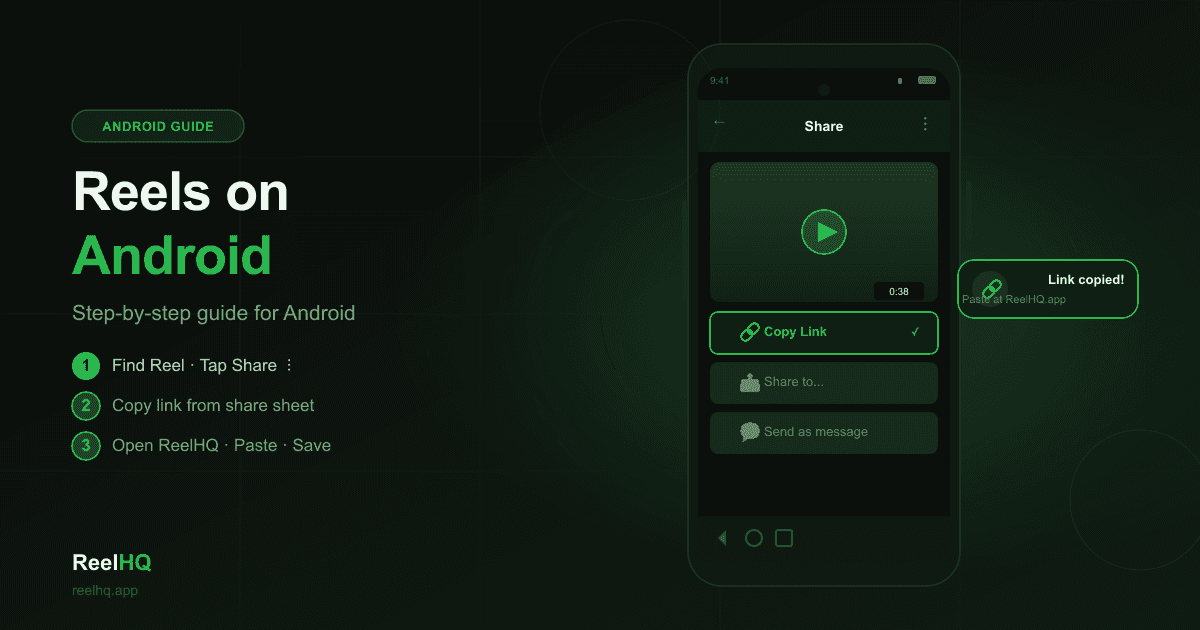
1. Open Instagram and find the Reel you want to download. 2. Tap the three-dot menu (⋯) and select Copy link. 3. Open Chrome (or any browser) and go to ReelHQ.app. 4. Paste the link into the input field and tap Download. 5. Choose HD or SD quality and tap the download button. The video is saved to your Downloads folder and appears in your Gallery app.
Tips for Android Users
Chrome handles downloads natively — no separate file manager app is required. To find the downloaded file, open your Gallery app and look in the Downloads album. If the video does not appear immediately, open the Files app → Downloads. Samsung and Xiaomi devices may require you to refresh the gallery to see new files.
Common Questions
Do I need to install an app? No. ReelHQ is a web-based tool that works in any browser. Will the video have a watermark? No. ReelHQ delivers the original video file directly from Instagram's servers without any modifications. Does it work on all Android versions? Yes — any Android device with a modern browser (Chrome 80+) can use ReelHQ.